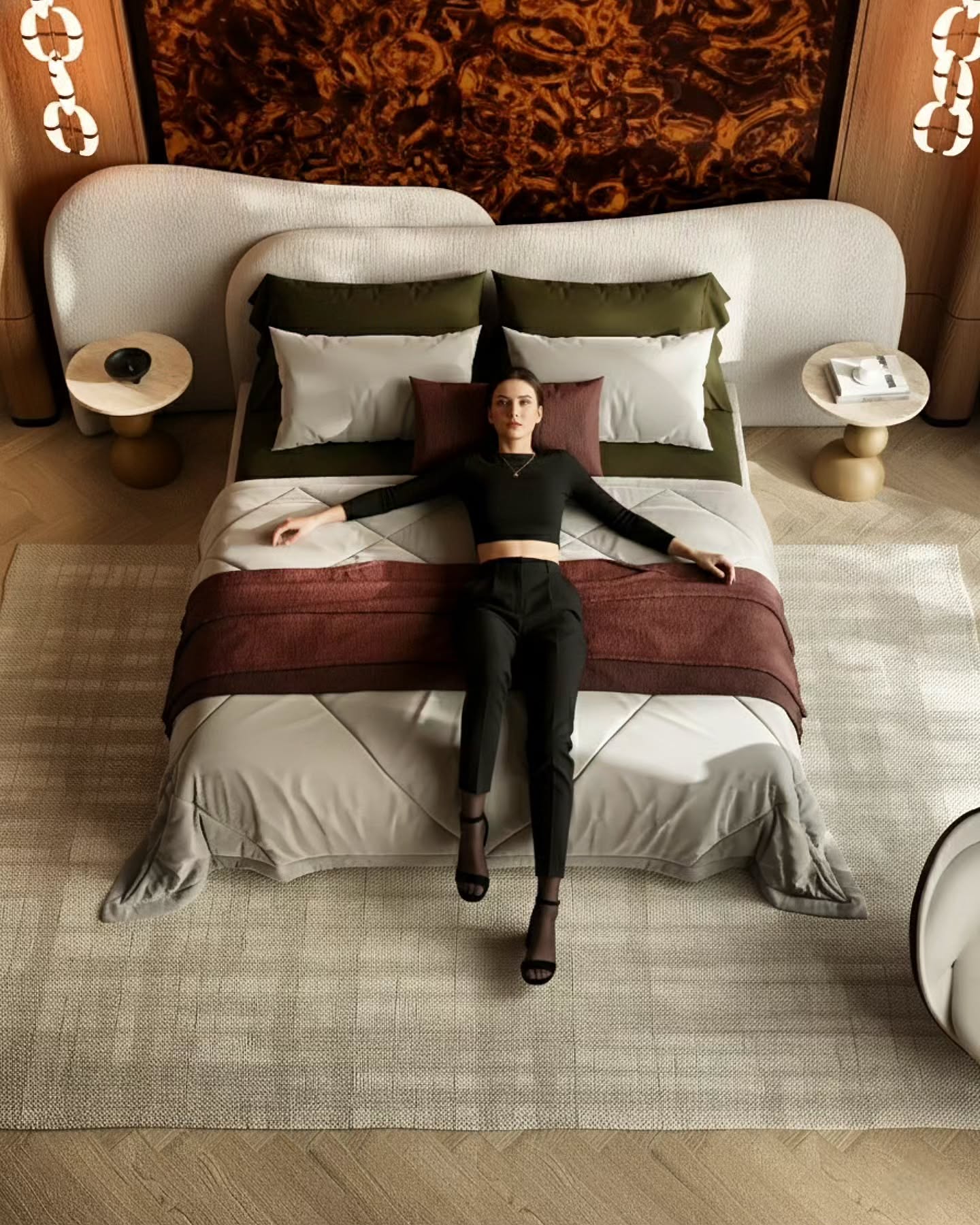
Interior Rendering Course
Blender Workflow
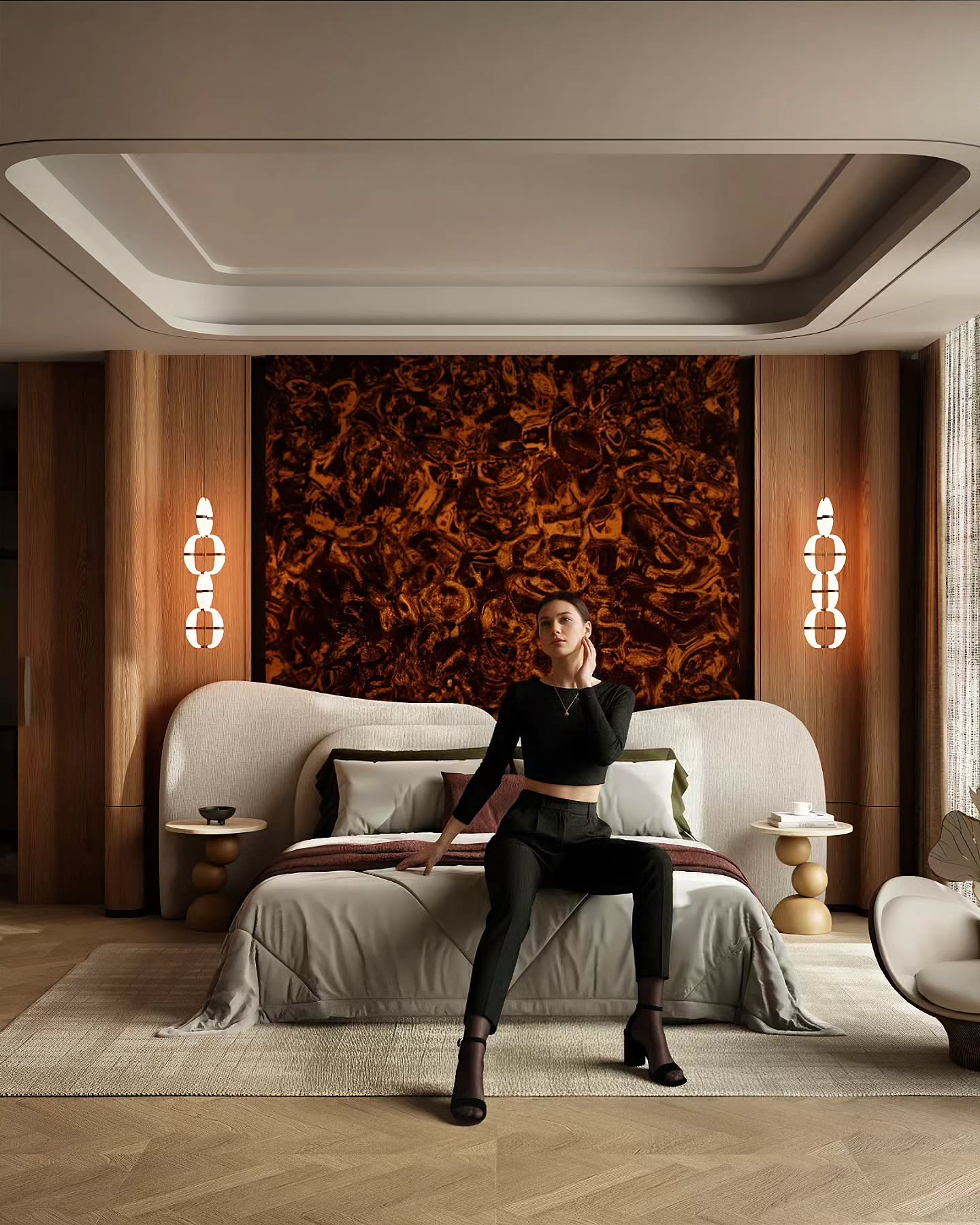
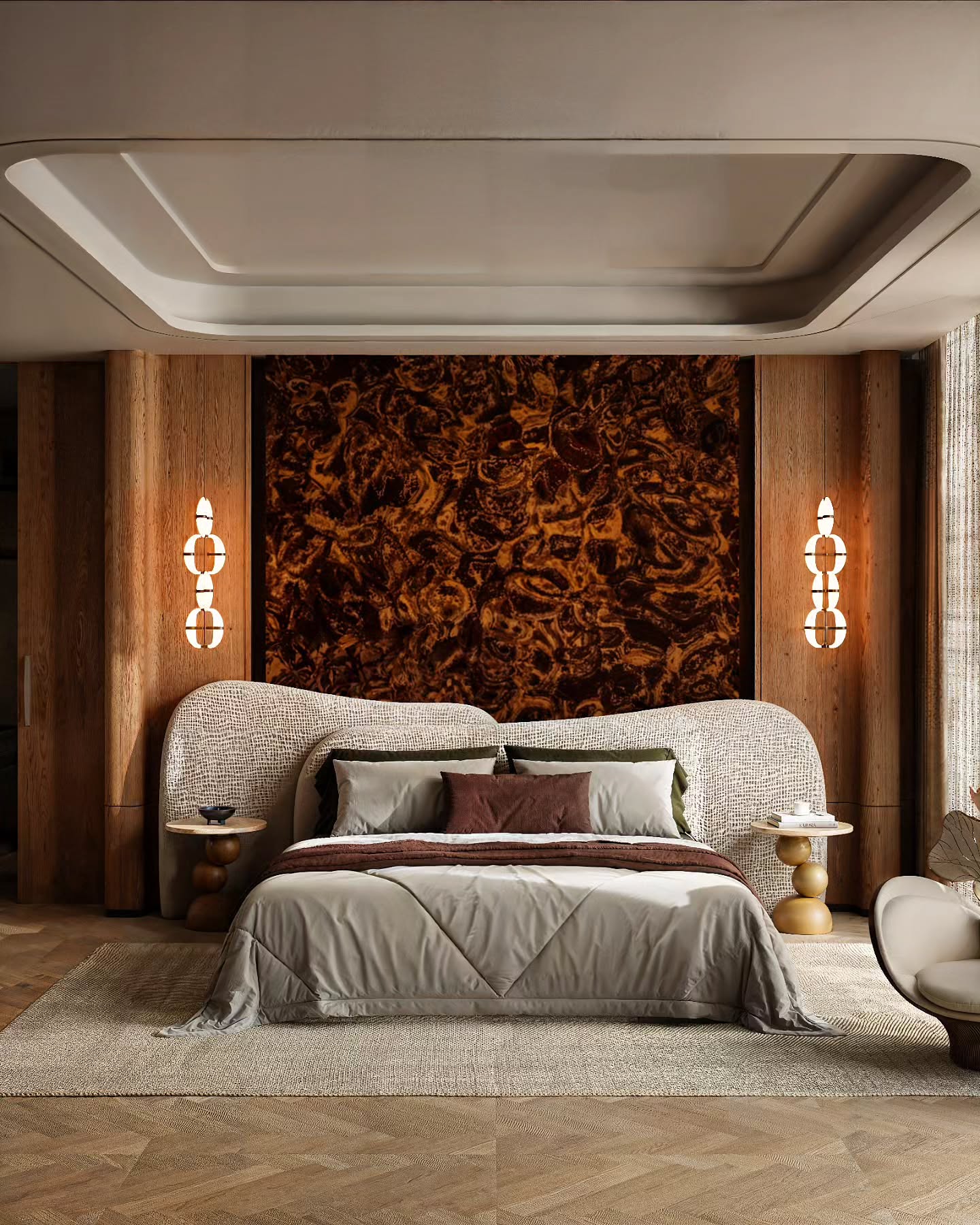
Learn realistic interior rendering in Blender with a clear workflow.
A structured SketchUp to Blender pipeline for interior designers and architects.
Structured SketchUp to Blender interior workflow.
Lighting, material, camera, and post-production systems.
Paid course checkout reuses the existing secure BLVIZ flow.
Realistic interiors need more than a render button. This page focuses on the workflow behind composition, light, materials, and final polish.
Render Outcomes
What you'll achieve
Build a repeatable interior rendering workflow.
From scene planning and materials to lighting, camera, and final polish — every skill is practical and immediately usable.
PBR Materials
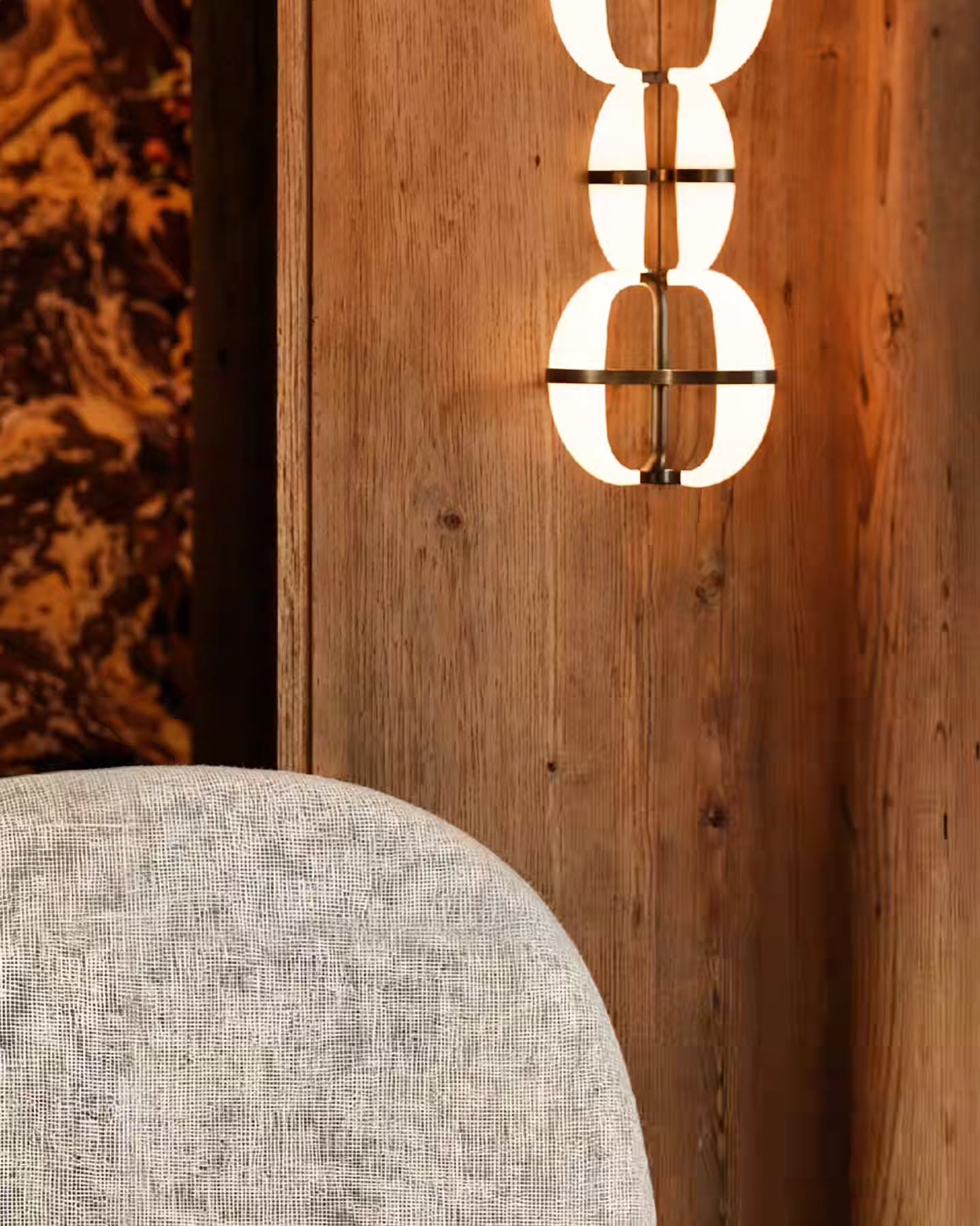
Control wood, marble, fabric, metal, and glass with proper scale, roughness, and reflections.
Intentional Lighting
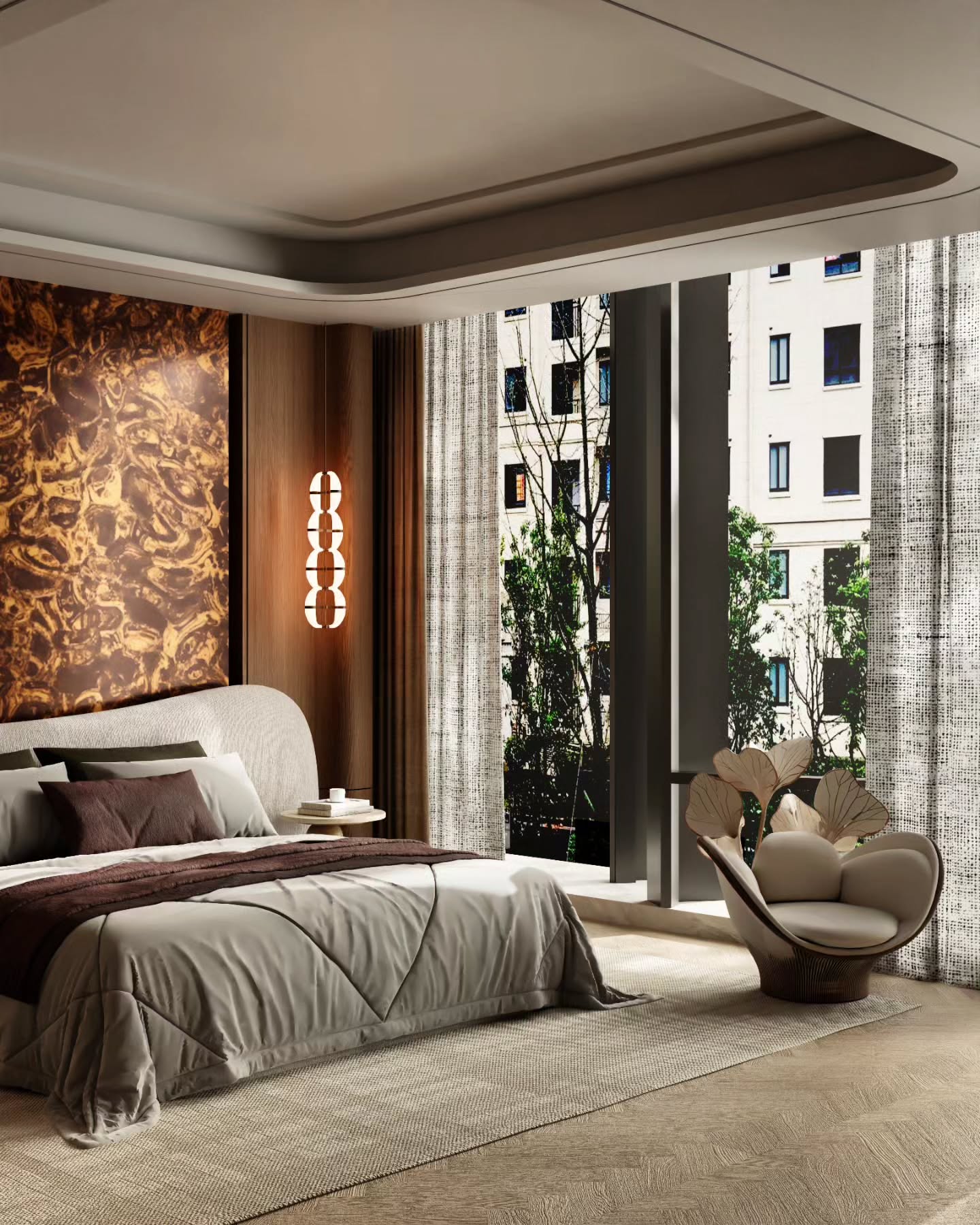
Daylight, night, accent, and mood setups that make interiors feel alive and premium.
Camera & Framing
Focal length, composition, depth of field — views that sell the design.
Portfolio-Ready Output
Final renders with color grading, contrast, and polish that belong in a client deck.
Mentor-led workflow
Learn from Vijay Sharma — BLVIZ interior visualization.
Practical workflow, real project thinking, and interior-specific rendering discipline. No exaggerated promises.
- SketchUp to Blender pipeline built for interior designers.
- Materials, lighting, camera, render settings, and post-production.
- Live sessions with WhatsApp support after enrollment.
Course roadmap
From SketchUp model to portfolio-ready render.
6 core phases covering the full interior visualization pipeline — from scene setup to final image delivery.
01
Scene Planning & Reference
Set the mood, collect references, define camera goals, and understand the design story.
02
Modeling & SketchUp Export
Clean geometry, organized collections, and smooth SketchUp → Blender transfer.
03
PBR Materials & Texturing
Wood, marble, fabric, leather, metal, glass — real surface control in Blender.
04
Lighting for Realism
Daylight, night, HDRI, IES, accent, and mood lighting with intentional exposure.
05
Camera, Render & Optimization
Composition, focal length, Cycles/Eevee settings, denoising, and memory control.
06
Post-Production & Portfolio
Color grading, glow, sharpening, final presentation, and portfolio-ready delivery.
Detailed Syllabus
SketchUp to Blender Archviz Masterclass
A deeper 12-module breakdown for learners who want to inspect the full training path before enrolling.
01
First Steps / Workflow Foundation
- Software Installation & Setup: SketchUp, Blender, render engine setup
- Complete Workflow Overview: SketchUp to Blender to Materials to Lighting to Render to Post Production
- Project Folder Structure
- Speed Shortcuts & Productivity Setup
- Interface Overview: SketchUp + Blender
02
SketchUp Fundamentals
- Navigation & Essential Tools
- Precision Modeling Techniques
- Groups vs Components
- Tags, Scenes & Organization
- Clean Geometry Rules
- Common Beginner Mistakes
03
Advanced SketchUp Modeling
- Professional Interior Modeling Workflow
- Advanced Wall, Ceiling & Floor Systems
- Custom False Ceiling Modeling
- Advanced Modular Furniture Modeling
- Wardrobe & Cabinet Systems
- Kitchen Modeling Workflow
- Sofa Modeling Techniques
- Bed & Upholstery Modeling
- Curved Geometry & Organic Forms
04
SketchUp Materials & Scene Prep
- Material Assignment Workflow
- Texture Scale Correction
- PBR Concepts for Archviz
- UV Basics in SketchUp
- Reversed Face Fixes
- Scene Cleanup & Purging
- Naming Convention for Blender Export
05
Export & Blender Transfer
- Best Export Method
- FBX vs OBJ vs DAE
- Blender Import Settings
- Scale Fixes
- Broken Material Fixes
- Broken Normals Fixes
- Collection Organization
- Heavy Scene Optimization
06
Blender Scene Cleanup & Advanced Modeling
- Blender Navigation for SketchUp Users
- Collections & Scene Organization
- Modifier Workflow
- Bevel Workflow
- Mesh Cleanup
- Quick Detailing in Blender
- Kitbash Workflow
07
Blender Material Masterclass
- Shader Editor Basics
- Converting SketchUp Materials Properly
- Wood Materials
- Marble Materials
- Stone Materials
- Fabric Materials
- Leather Materials
- Metal Materials
- Glass Materials
- Mirror Materials
- Emissive Materials
- Water Materials
08
Lighting Masterclass
- Lighting Theory
- HDRI Workflow
- Sun Lighting
- Day Interior Setup
- Night Interior Setup
- Artificial Lighting
- Accent Lighting
- Mood Lighting
- Real Client Scene Lighting
09
Camera & Composition
- Composition Theory
- Interior Framing
- Focal Length
- Depth of Field
- Exposure
- Real Project Camera Setup
10
Rendering Optimization
- Cycles Settings
- Eevee Settings
- GPU Optimization
- Heavy Scene Crash Fixes
- Memory Optimization
- Denoising Workflow
- Fast Render Settings
11
Post Production
- Render Passes
- Color Grading
- Camera Raw Filter
- Bloom / Glow
- Sharpening
- Photoshop Final Polish
12
Final Full Interior Project
- Project Brief
- Full Modeling
- Material Workflow
- Lighting
- Camera
- Rendering
- Post Production
- Final Delivery
12 Modules
90 Lessons
SketchUp to Blender Pipeline
Final Interior Project
BLVIZ
Certificate of Excellence
Student Name
Certification
A clean completion certificate for your learning record.
Upon completion, you receive a digital BLVIZ certificate that marks your command over the interior visualization workflow taught in the course.
Verified
Lifetime
High-Res
FAQ
Questions before you join.
Straight answers. No over-promising.
Is this beginner friendly?
Yes. The basic and advanced tracks are structured step by step. If you already model, the Blender Core track focuses purely on rendering output.
Which software is used?
SketchUp and Blender, with post-production guidance for final image polish.
Is this live or recorded?
Live sessions. Register for the free demo first to confirm the current batch format before joining a paid track.
Do I need a high-end PC?
A GPU helps, but the course covers practical optimization, denoising, and heavy scene management so lower-spec machines can still render well.
How do I enroll after payment?
Pick a plan above, enter your email and WhatsApp number, and complete the secure checkout. BLVIZ follows up after enrollment.
Ready to improve your renders?
Choose the right track and start building a stronger interior visualization workflow.
No exaggerated promises. Just a practical path through modeling, materials, lighting, camera, rendering, and final polish.
Join the Course